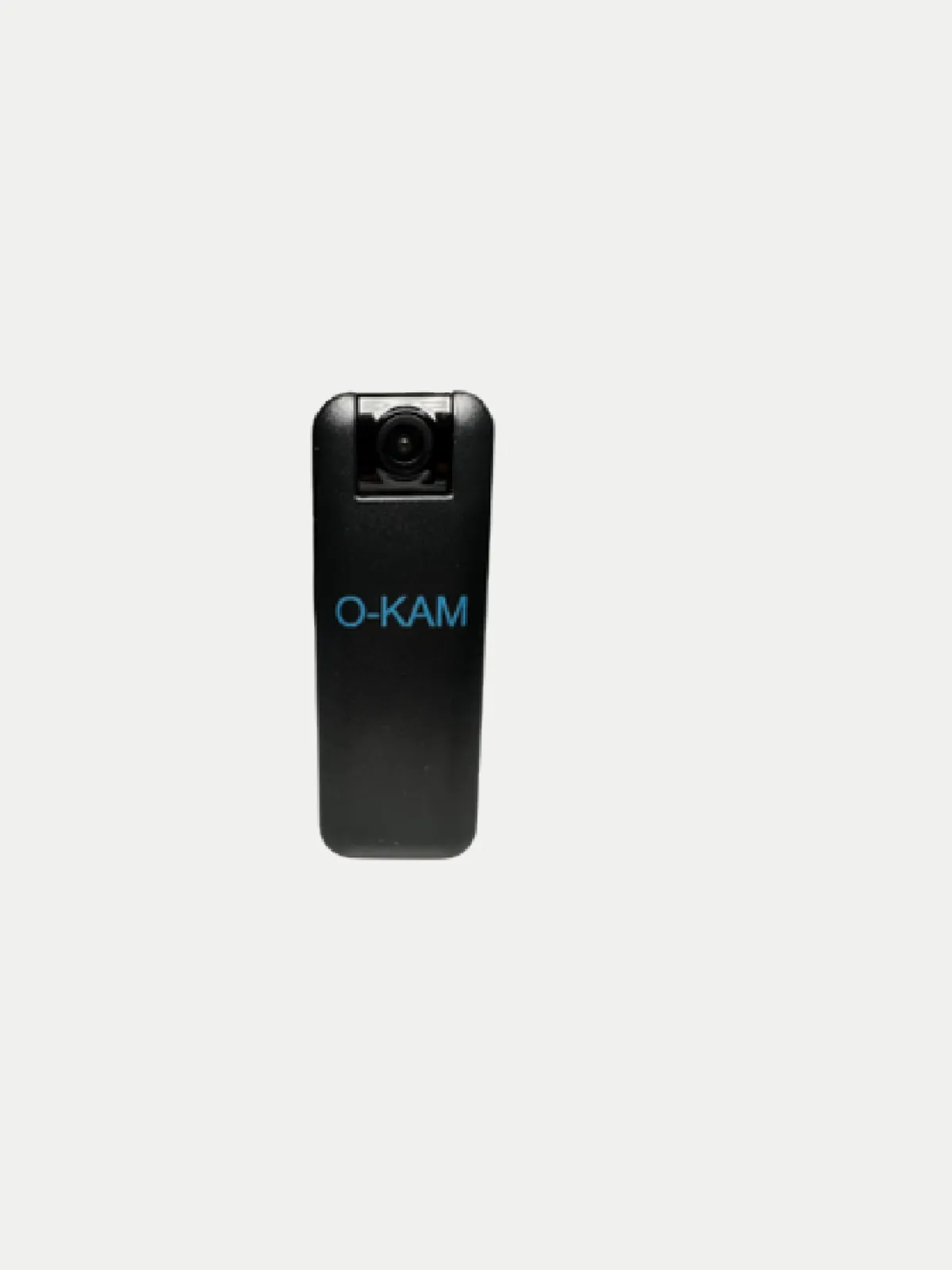
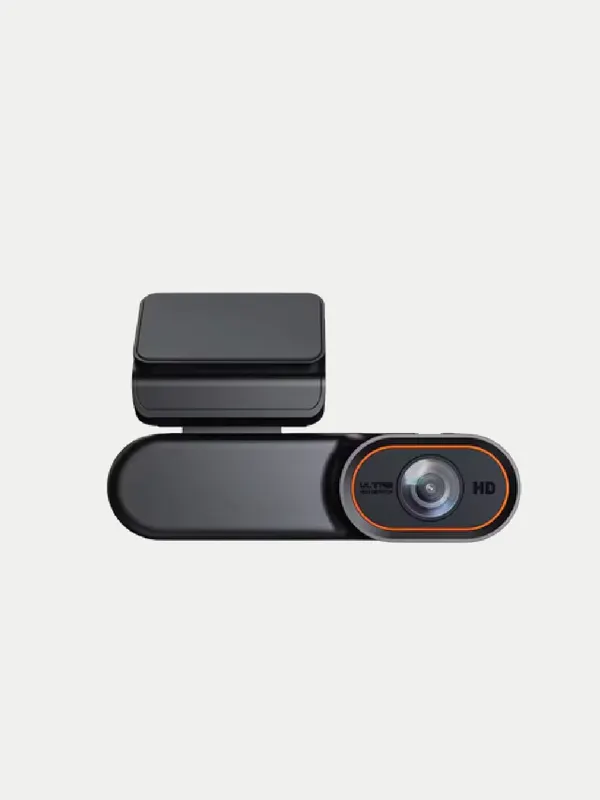
4G Body Camera (2026-YAKA)
4.290 TL3 instalments at the cash price · VAT included
SKU: 2026-YAKA
Battery-powered body camera with 4G connectivity.
Is this the right choice for you?
- The installation spot needs 4G coverage from your mobile operator.
Make your selection
Your selection: Camera only
The installation spot needs 4G coverage from your mobile operator. No data plan in this bundle; insert a SIM card with a data plan into the camera.
Total: 4.290 TL.What’s included
- Camera 2026-YAKA4.290 TL
- Turkcell Data SIM Plan for 4G Cameras (12 Months, 5 GB per Month)
- Micro SD Memory Card U3 – 128 GB
Bought separately
Bundle saving
Total4.290 TL
3 instalments at the cash price · VAT included
Taxes included. Shipping calculated at checkout.
- Invoiced and under warranty2-year warranty, an invoice with every order
- 14-day right of withdrawalFrom delivery; terms on the returns page
- Secure paymentWe do not store your card details
- Free shipping over 5.000 TLShips within 1 business day
Shipping and delivery
Your order is dispatched with DHL Kargo within 1 business day; delivery to most addresses takes 1–3 business days. Shipping is free on orders of 5.000 TL or more; orders below that are charged 150 TL.
Returns and right of withdrawal
You can exercise your right of withdrawal within 14 days of delivery. The product must be returned complete, with its box, accessories and invoice. Return shipping is free with our contracted carrier code; your payment is refunded within 14 days at the latest after we receive your withdrawal notice.
Warranty and technical support
2-year warranty. If the product develops a fault, we collect it with free shipping and repair or replace it within 20 business days at the latest. Natural loss of battery capacity, memory cards and SIM/operator-related issues are not covered by the warranty. For setup and usage questions, WhatsApp: 0530 369 22 86.
Who it’s for
Who is this model for?
Battery-powered body camera with 4G connectivity.
- 4G SIM card connectivity
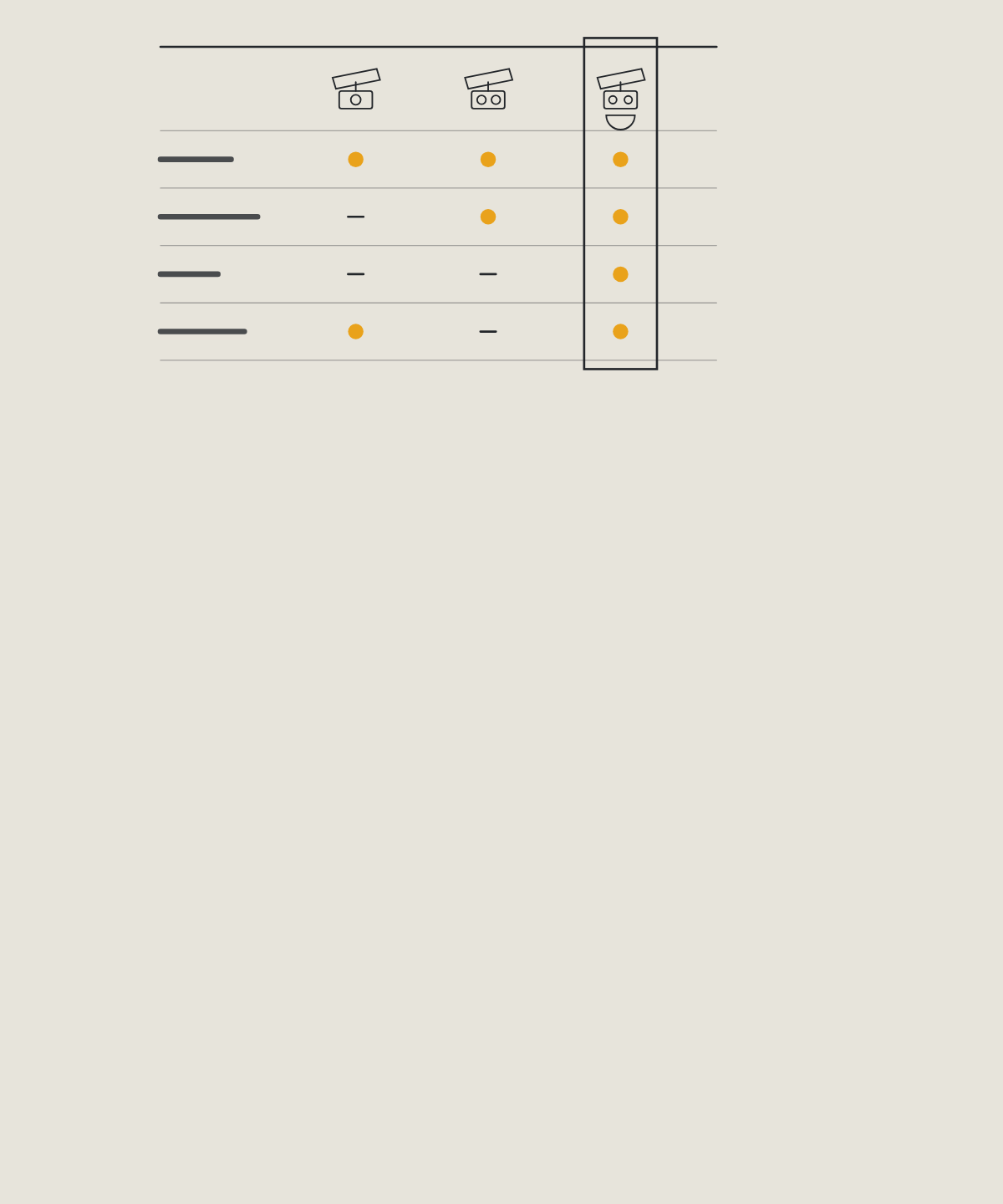
- 1 lens
Installation requirements
- The installation spot needs 4G coverage from your mobile operator.
Recording
How does it record?
The cameras record footage to a memory card (micro SD) or, optionally, to the cloud; you watch the live view and motion alerts in the app on your phone. Recording options vary by model.
How do live view and recording work?Installation
Step-by-step setup
Most installations need no cabling. The steps below match this product's connection type.
How do the parts connect?
Power
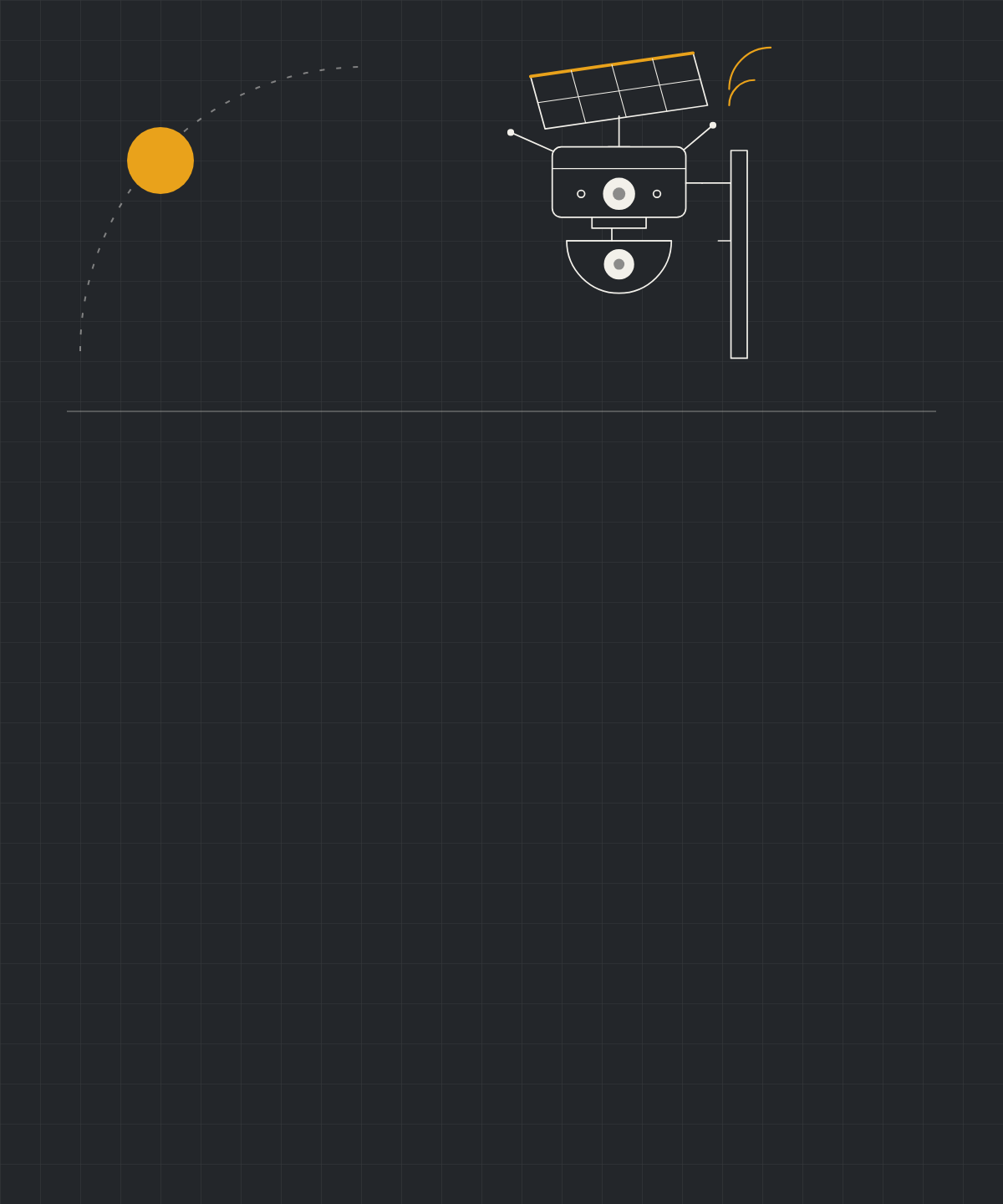
Solar panel
Point the panel in the direction that gets unshaded sun all day; in Türkiye this is usually south-facing. On mains-powered models, an adapter takes the place of the panel.
ChargingRecording
Camera
Mount the camera on a pole or wall that does not sway. With the camera switched off, insert the micro SD memory card and the SIM card.
SIM cardConnectivity
4G mobile network
The camera connects to your operator’s 4G network with the SIM card; no router is needed. The installation spot needs 4G coverage from your mobile operator.
InternetViewing
Phone and app
Install the camera's free app (iOS and Android) and add the camera. Live view and motion notifications come straight to your phone.
Prepare the SIM
If you are using your own SIM, first insert it into a phone, disable the PIN code and confirm that the data package is active. Do not insert the bundled SIM into a phone: it locks to the first device it is inserted into, so put it straight into the camera. Use your phone to check that the operator has 4G coverage where the camera will be mounted. If you do not have a SIM, you can choose the "Camera + 12-month SIM plan" bundle.
Insert the cards
With the camera switched off, insert the micro SD memory card and, on 4G models, the SIM card as well. If the slot has a cover, close it firmly.
Add it to the app
Download the camera's free app (iOS and Android), create your account and add the camera by following the steps in the app; on Wi-Fi models, you enter the network name and password at this step. You can ask us on WhatsApp for the app's name before setup.
Test before mounting
Switch the camera on while it is still on the ground and open the live view; test the siren, pan-tilt movement and night light if your model has them. If something is wrong, it is much easier to fix before mounting.
Adjust the settings
Format the memory card from the app, then set the recording mode, motion detection area and notifications.
Datasheet
Technical specifications
- Model
- 2026-YAKA
- Number of lenses
- 1
- Connectivity
- 4G
- Power source
- Battery
Frequently asked questions
Frequently asked questions about this product
If you can't find the answer to your question, message us on our WhatsApp line.
Is a SIM card included, and which operators does it work with?
A SIM card is not included in the camera box. If you choose the "Camera + 12-month SIM plan" bundle on the product page, a Turkcell data SIM plan with 5 GB per month, valid for 12 months, comes with the camera; you can also use your own SIM if you prefer. The bundled SIM works only in the camera and is locked to the IMEI number of the first camera it is inserted into; if it is inserted into another device, it is deactivated. 4G cameras work with Turkcell, Vodafone and Türk Telekom SIMs; what matters is that the operator has 4G coverage at the installation spot.
Can a 4G camera connect to Wi-Fi, or a Wi-Fi camera use a SIM card?
No. 4G models connect only via a SIM card, so no router is needed. Wi-Fi models do not take a SIM card; they connect to the Wi-Fi network at the installation spot. The 6010, 6020 and 8060 come in separate 4G and Wi-Fi versions; when ordering, choose the one that suits your installation spot.
How much data does the camera use per month?
Usage depends on the recording settings, live viewing time and the number of motion events. With motion recording and 10–15 minutes of live viewing a day, it uses roughly 3–5 GB per month. Continuous live viewing, 24/7 recording and cloud recording increase usage noticeably; check your first week's usage in your operator's app and choose your plan accordingly.
Where are recordings stored, and is the cloud paid?
Recording options vary by model (micro SD card, cloud or both). Recording to a micro SD card is free; cloud recording is optional and is activated in the app with a monthly subscription. The cloud is not required; with a card inserted, recordings are stored on the card free of charge.
Is installation difficult? Can I do it myself?
Most installations need no cabling. With 4G models, you insert the SIM card and add the camera to the app; with Wi-Fi models, you connect the camera to your wireless network. Solar-panel models are mounted in a sunny spot, and mains-powered models near a power socket. Step-by-step instructions are in our setup guide. If you get stuck, we offer free setup support via WhatsApp video call.
How do the warranty and returns work?
Products come with a 2-year warranty; we collect a faulty product with free shipping and repair or replace it within 20 business days at the latest. Natural loss of battery capacity, memory cards and SIM/operator-related issues are not covered by the warranty. You can exercise your right of withdrawal within 14 days of delivery; return shipping is on us.
Can I make a business or bulk purchase?
Yes. For multi-camera installations such as construction sites, farms and warehouses, fill in the business quote form and we will get back to you with tailored pricing and invoicing options.
Similar models
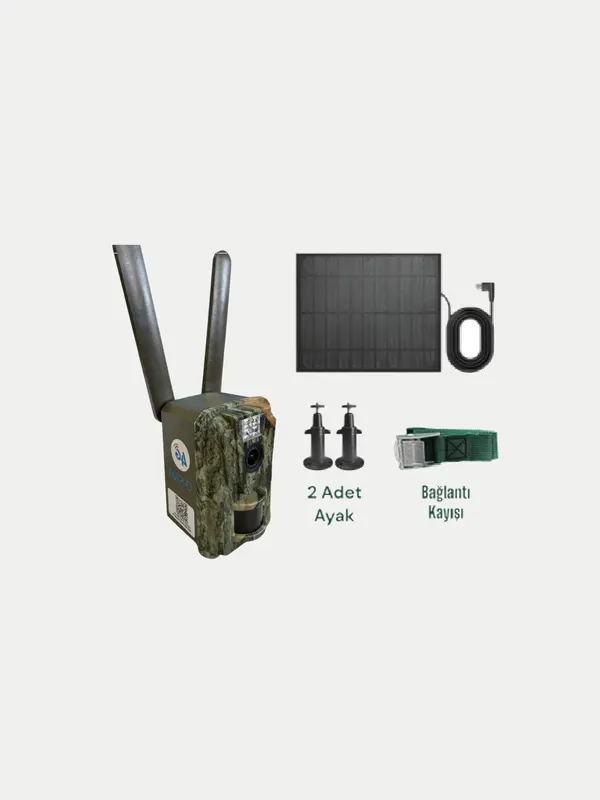
Recording: micro SD (en fazla 256 GB) ya da bulut
5.590 TL
Camera only · 2 more options
Recording: micro SD (en fazla 256 GB); çarpma anındaki kayıtlar buluta da yüklenir
6.290 TL
Camera only · 2 more options
Camera only4.290 TL