Help
Video and recording guide
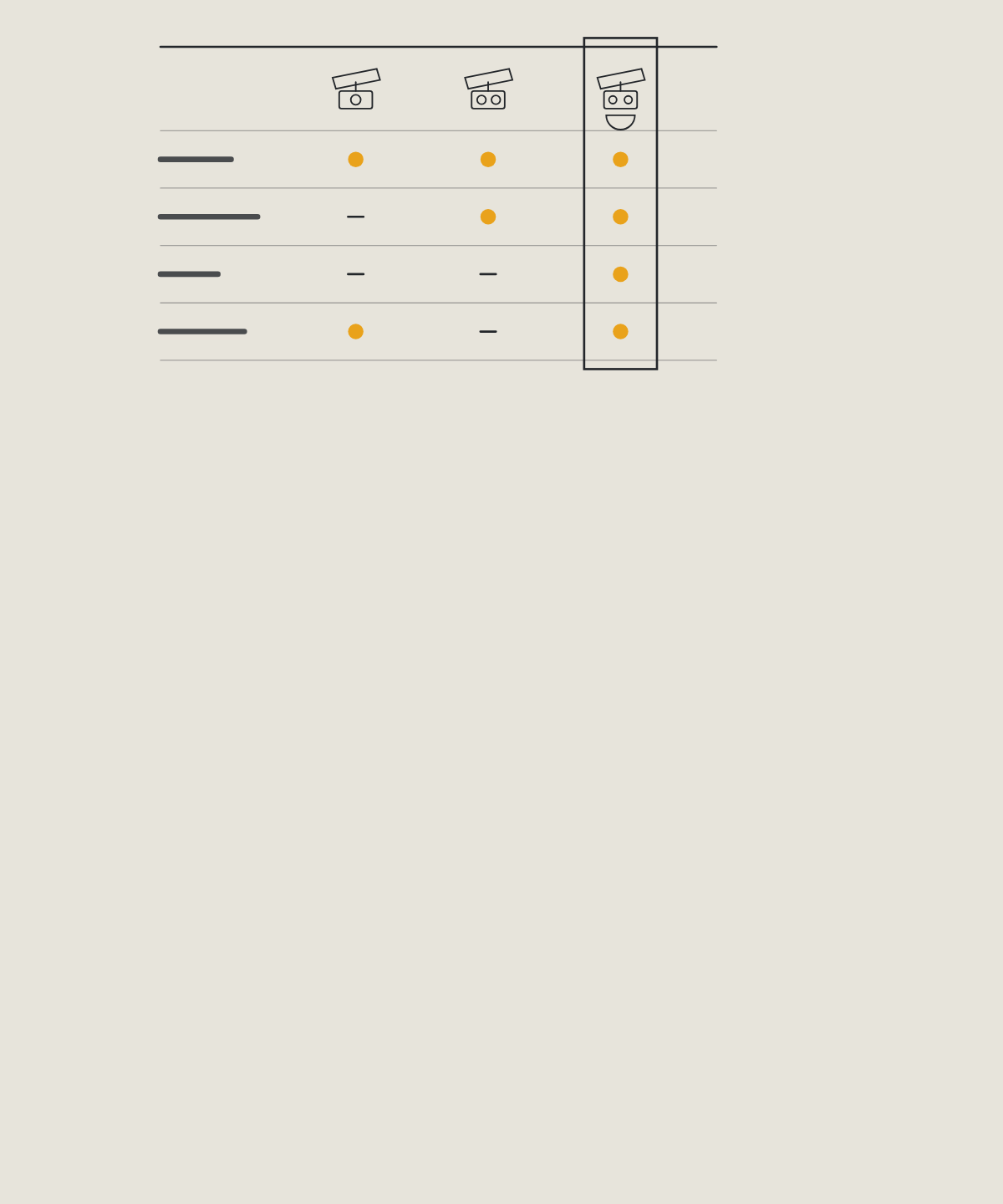
The cameras record footage to a memory card (micro SD) or, optionally, to the cloud; you watch the live view and receive motion alerts in the app on your phone. Recording and night vision options vary by model. Below you will find short summaries and our detailed guide articles.
Where are recordings stored?
Recording options vary by model: micro SD card, cloud, or both. Recording to a micro SD card is free; cloud recording is optional and is switched on in the app with a monthly subscription. When the card is full, the camera deletes the oldest recording and writes the new one, so recording does not stop.
If the camera is stolen or broken, the recordings on the SD card may be lost as well. Switching on optional cloud recording for important areas keeps a copy of the recordings in your account.
Motion recording and continuous recording (AOV)
With motion recording, the camera records only when it detects motion; it needs little energy and the memory card lasts longer. If you only want to see who comes to the entrance, motion recording is usually enough.
AOV (Always On Video) means the camera records all day in a low-power mode: while idle it records at a low frame rate and switches to the normal frame rate when it detects motion, so the seconds before an event are also kept in the recording. Continuous recording uses more energy and fills the card faster. Recording modes vary by model; before ordering, ask us on WhatsApp whether the model you want has this mode. More: What is AOV?
Night vision
Infrared (IR) night vision gives a black-and-white image in the dark, and its light is barely noticeable from outside. Colour night vision switches on the white lights on the camera to give a colour image; the light also acts as a deterrent. On dual-light models the night mode is selected in the app; options vary by model. More: infrared and colour night vision
Live view and notifications
Once you install the camera's free app (iOS and Android) and add the camera, the live view and motion alerts come to your phone. On 4G models, data usage depends on the recording settings, live viewing time and the number of motion events; constant live viewing, continuous recording and cloud recording increase usage significantly. More: a data plan for your camera
Memory card
A security camera writes to its card all day; choose a U3 or V30 class card suitable for video recording, and format the card in the app before first use. The maximum supported card capacity varies by model; do not insert a card above this limit. More: how many GB should the memory card be? · bundles and accessories
Next step
- Find the right model for you: three short questions about your installation site.
- Compare models: 4G and Wi-Fi solar models side by side.
- If you are not sure, describe your installation site to us on WhatsApp and we will choose together.